AI Image Generator — No Restrictions
Generate unrestricted AI images in up to 4K resolution. No content filters, no limits. Just describe what you want and the AI creates it.
Sample Outputs
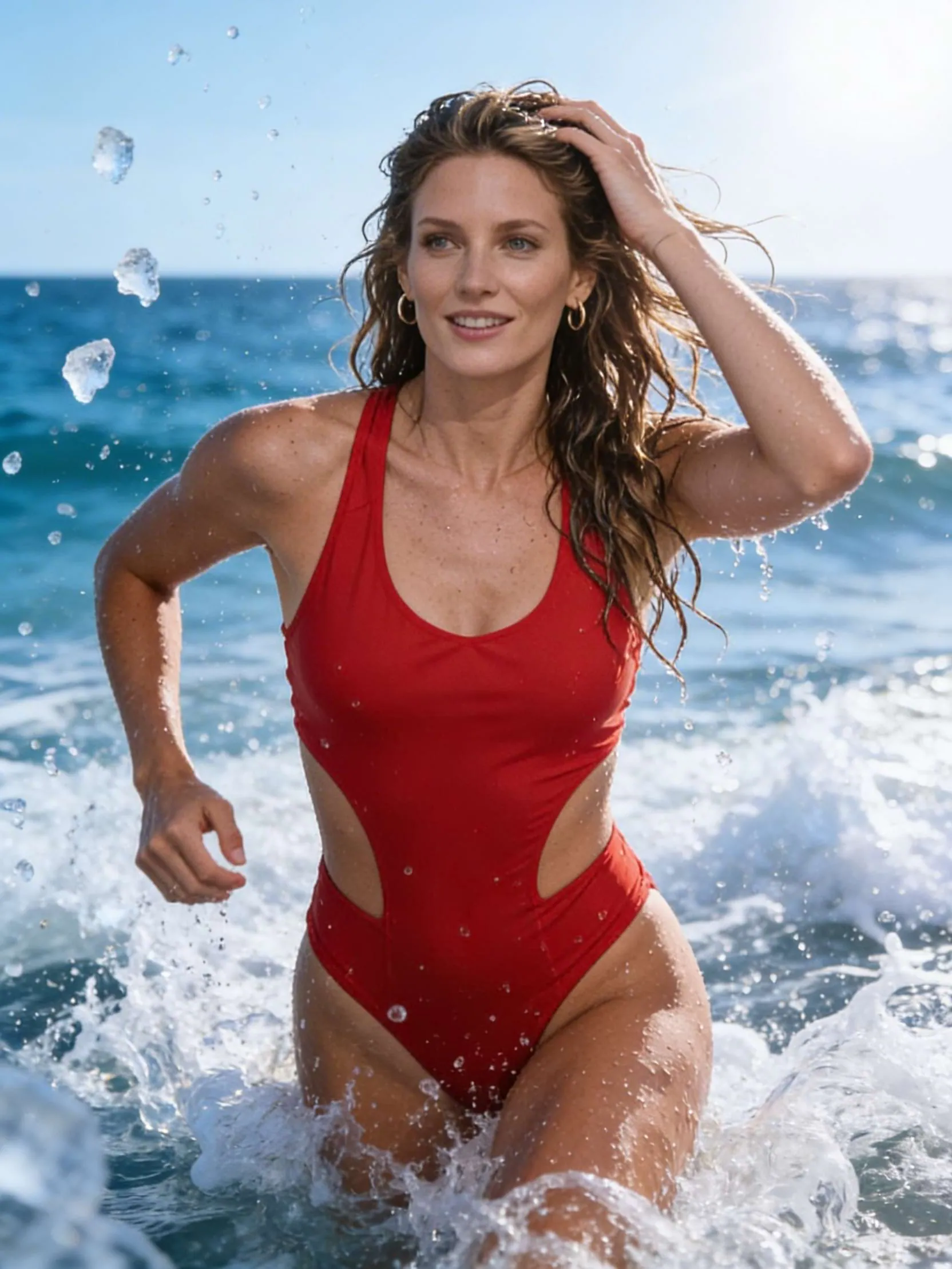
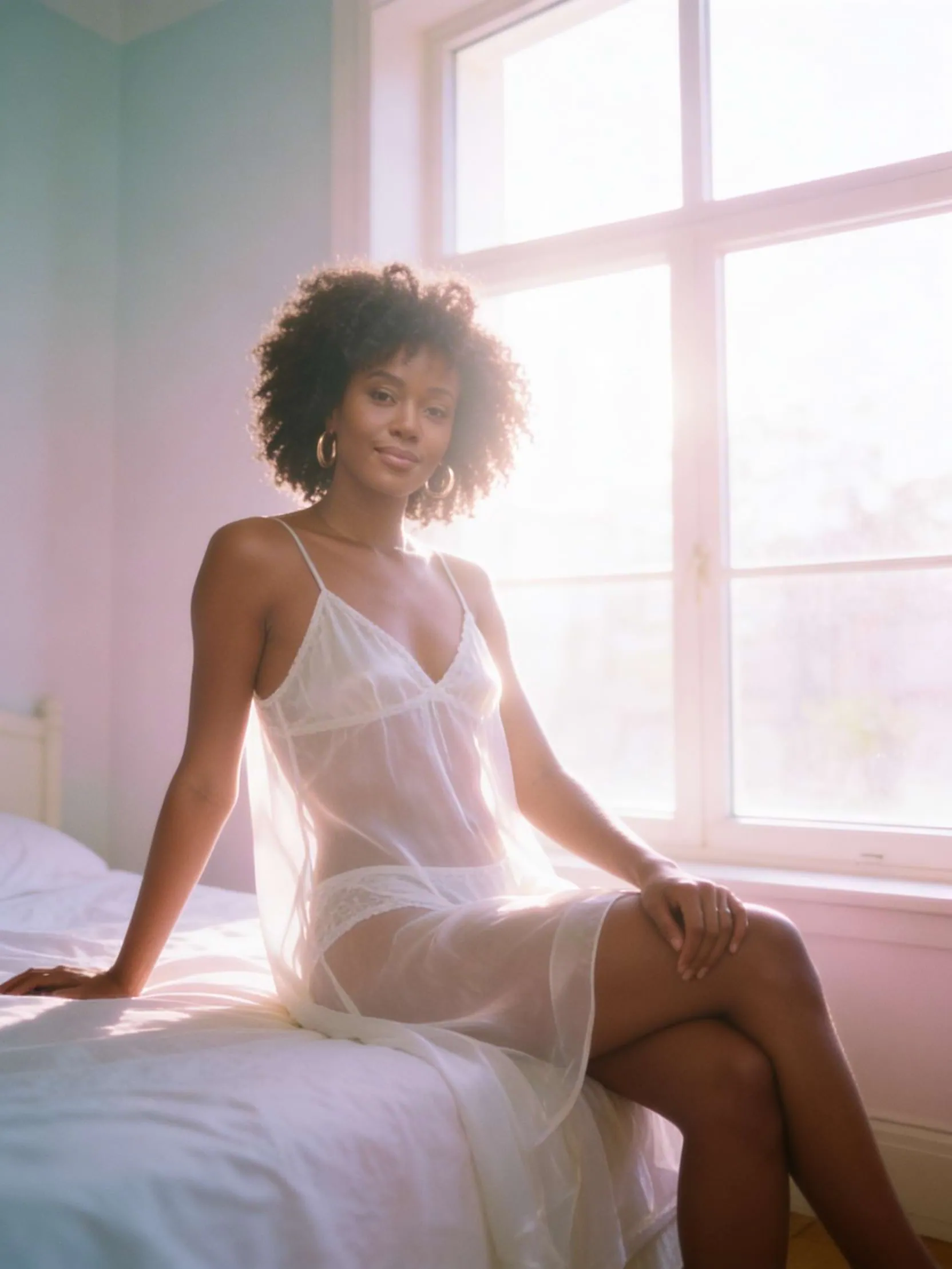
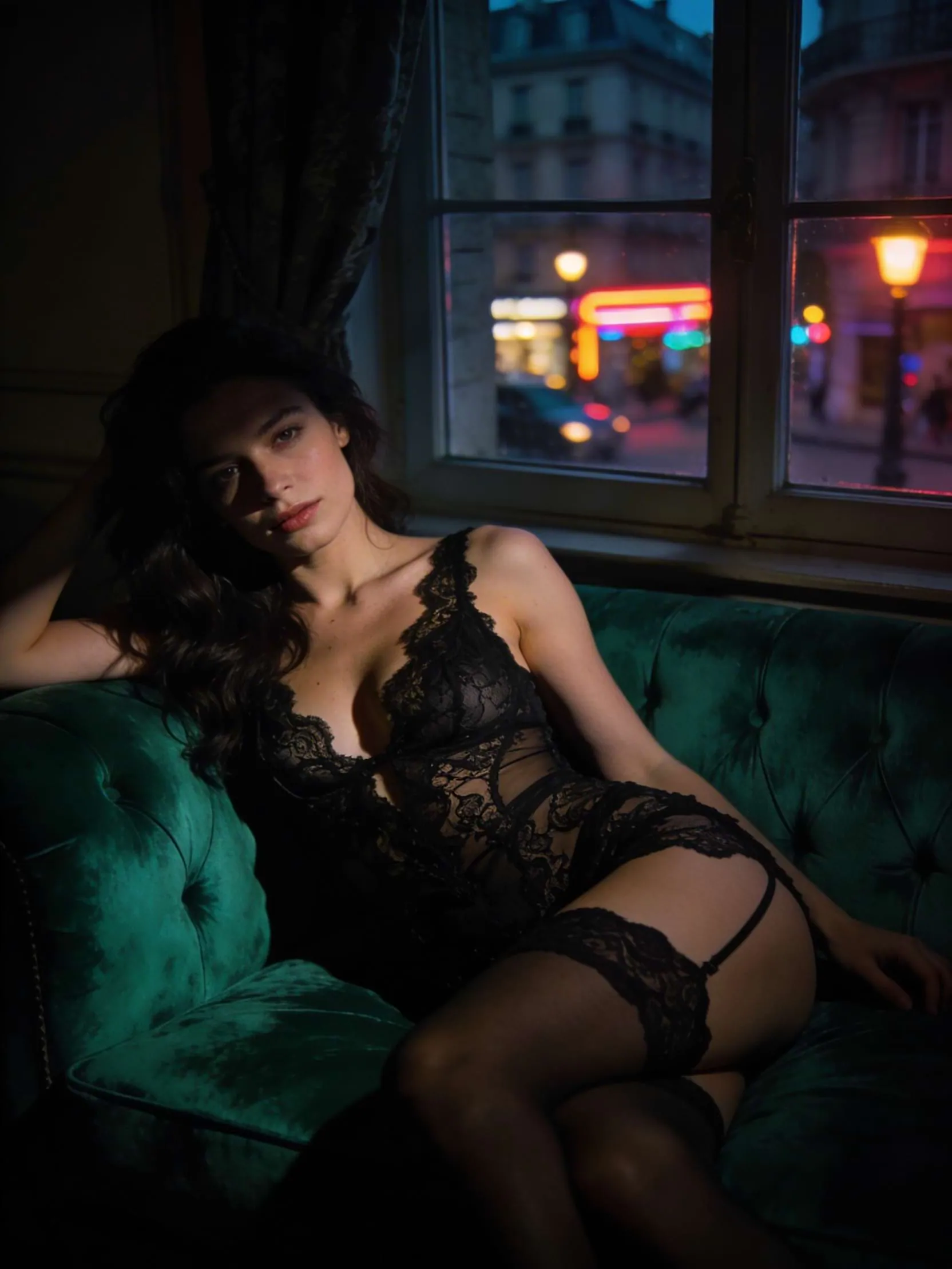
These images were generated using this AI image generator from text prompts only.
What You Can Create
How It Works
Write your prompt
Describe the image you want in as much detail as possible. Include subject, lighting, style, camera angle, colors, and mood.
Choose your settings
Pick your resolution (Auto, 2K, or 4K), aspect ratio (12 options), and how many images you want (up to 4).
Generate and download
Click Generate. Your image is ready in seconds. Download it as a high-resolution PNG — no watermark by default.
Specifications
Prompting Guide
Be specific and detailed. The more you describe, the better the result. Include subject, action, setting, lighting, camera angle, colors, texture, and mood. "A woman in a red silk dress standing on a marble balcony overlooking the ocean at sunset, golden hour light, shot on 35mm Kodak Portra 400, shallow depth of field" produces far better results than "woman on balcony."
Specify the visual style. Mention what kind of image you want: photorealistic, cinematic, oil painting, anime, watercolor, 3D render, pencil sketch, digital illustration, concept art, fashion editorial, etc. Combining styles works too — "cinematic photorealistic with a slight film grain" or "anime style with watercolor textures."
Use camera and photography terms. Terms like "85mm lens," "f/1.4 bokeh," "low angle shot," "wide-angle," "bird's eye view," "macro photography," and "studio lighting" help the AI understand the exact shot you want.
Describe lighting carefully. Lighting makes or breaks an image. Use terms like "golden hour," "neon lights," "soft diffused light," "dramatic chiaroscuro," "backlit silhouette," or "volumetric light rays through fog."
Choose resolution wisely. 4K produces the sharpest detail and is best for print or large displays. 2K is faster and still high quality for social media, web use, and most digital screens. Auto lets the AI decide based on your aspect ratio.
Supported Aspect Ratios
Frequently Asked Questions
What is an AI image generator with no restrictions?+
What resolution can I generate images at?+
Do I need to upload a reference image?+
How many images can I generate at once?+
Is there a watermark on generated images?+
How long does image generation take?+
Can I use the generated images commercially?+
Use Cases
Social media content. Generate eye-catching images for Instagram, Twitter, Pinterest, and other platforms. Choose 9:16 for stories and reels, 1:1 for feed posts, or 16:9 for cover images.
Creative projects. Concept art for games, books, films, or personal projects. Explore visual ideas quickly without commissioning artwork or spending hours in design tools.
Marketing and advertising. Product mockups, lifestyle imagery, and campaign visuals. Generate multiple variations in minutes instead of organizing photoshoots.
Print and merchandise. Generate high-resolution 4K images suitable for posters, prints, t-shirts, phone cases, and other physical products.
Character and world design. Create consistent characters, environments, and scenes for stories, games, or visual novels. Iterate on designs rapidly with different prompts.