Studio

AI-powered creative tools
Seedance 2Kling 3.0

Transfer motion from any video to your photo

How it works

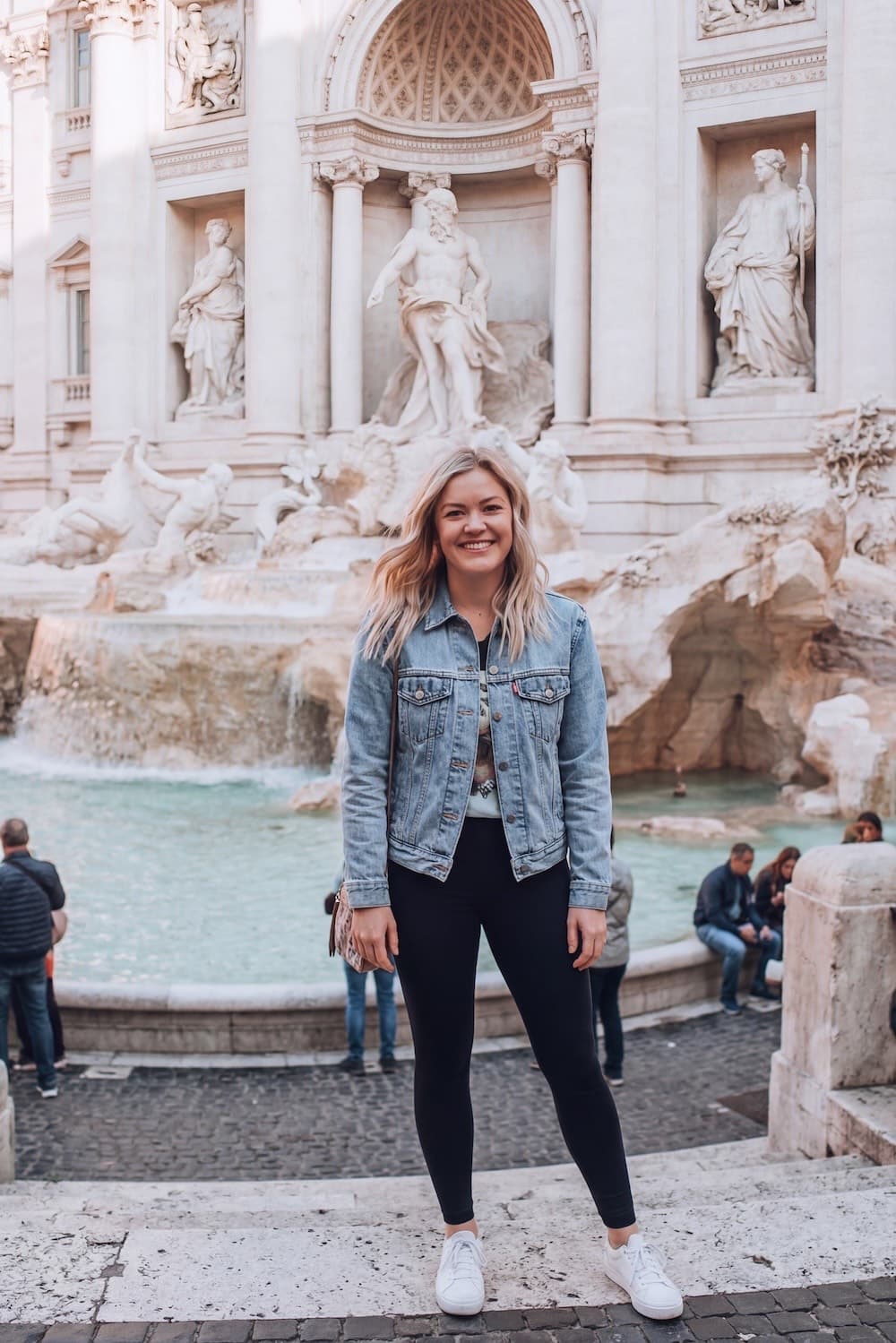
Source photo

Your Photo

Motion

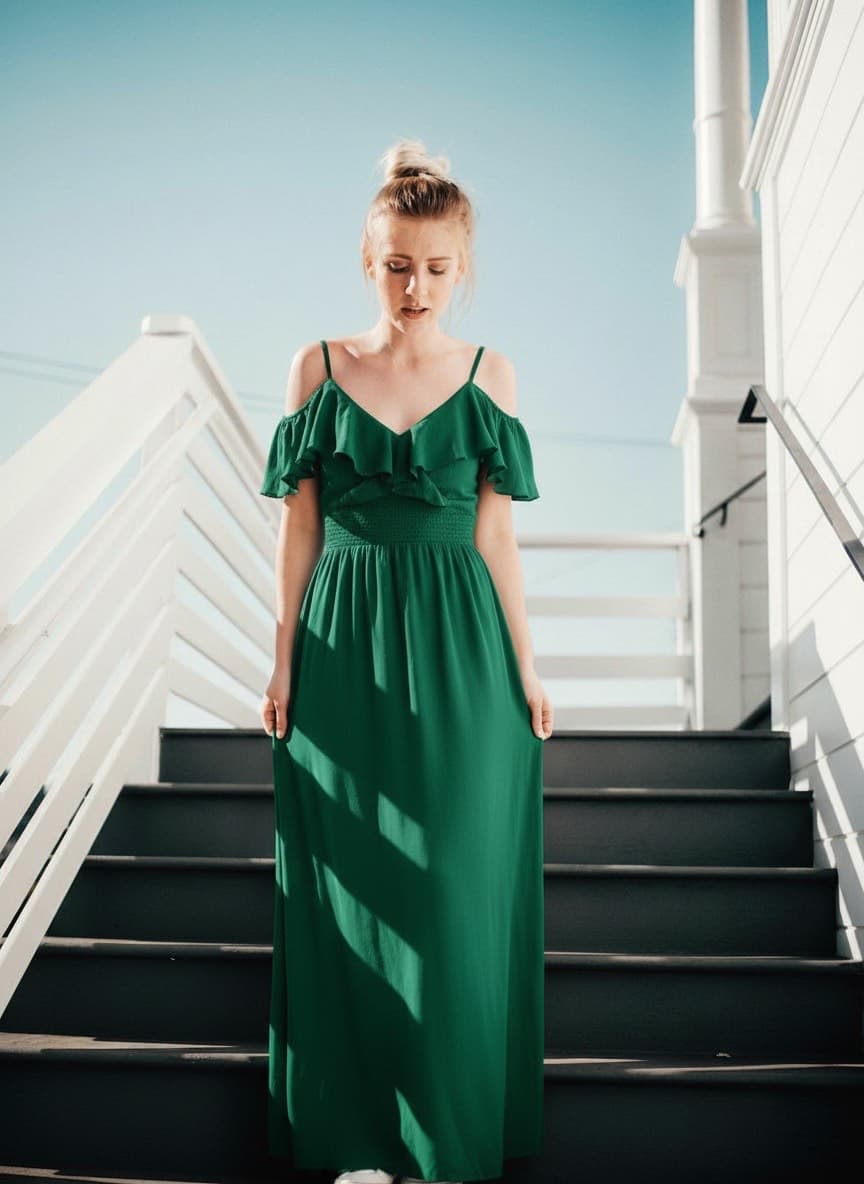
Result ✨

Max 30s videoFull body visiblePets: standing pose

AI Motion Transfer Tool

Transform any photo into a dynamic video by transferring motion from a reference clip. Upload your photo and a motion video, and our AI will make your photo move naturally — perfect for dance videos, lip-sync content, and viral social media posts.

How to get the best results

Use a clear photo

Full body visible, good lighting, minimal background clutter.

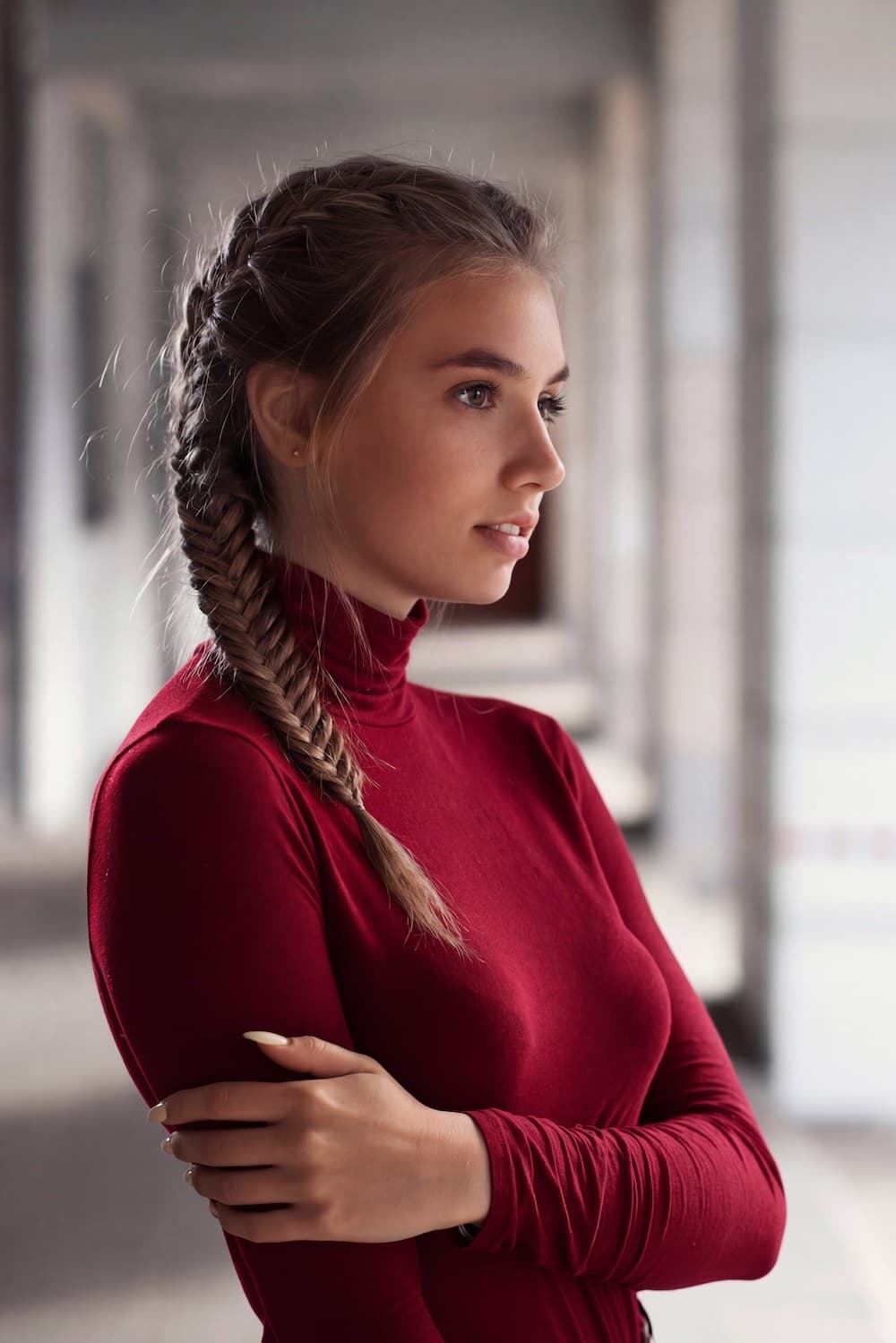
Pick a good motion clip

Steady camera, single person, under 30 seconds for best quality.

Match the pose

Similar starting pose between your photo and the motion video improves output.

Works with pets too

Use a standing pose photo of your pet for the best motion transfer results.

Frequently Asked Questions

How long does it take?

Most videos are generated within 3–10 minutes depending on the video length.

What formats are supported?

Upload JPG or PNG photos and MP4 or MOV videos. Output is always MP4.

Can I use this for commercial projects?

Yes — you own the generated videos and can use them for personal or commercial purposes.

Cost
20