How to Make an AI Dance Video Without Filming Yourself
You do not need to dance on camera to post dance content. Here is the exact workflow for making a dance video from a single still photo — and how to stay comfortable while doing it.
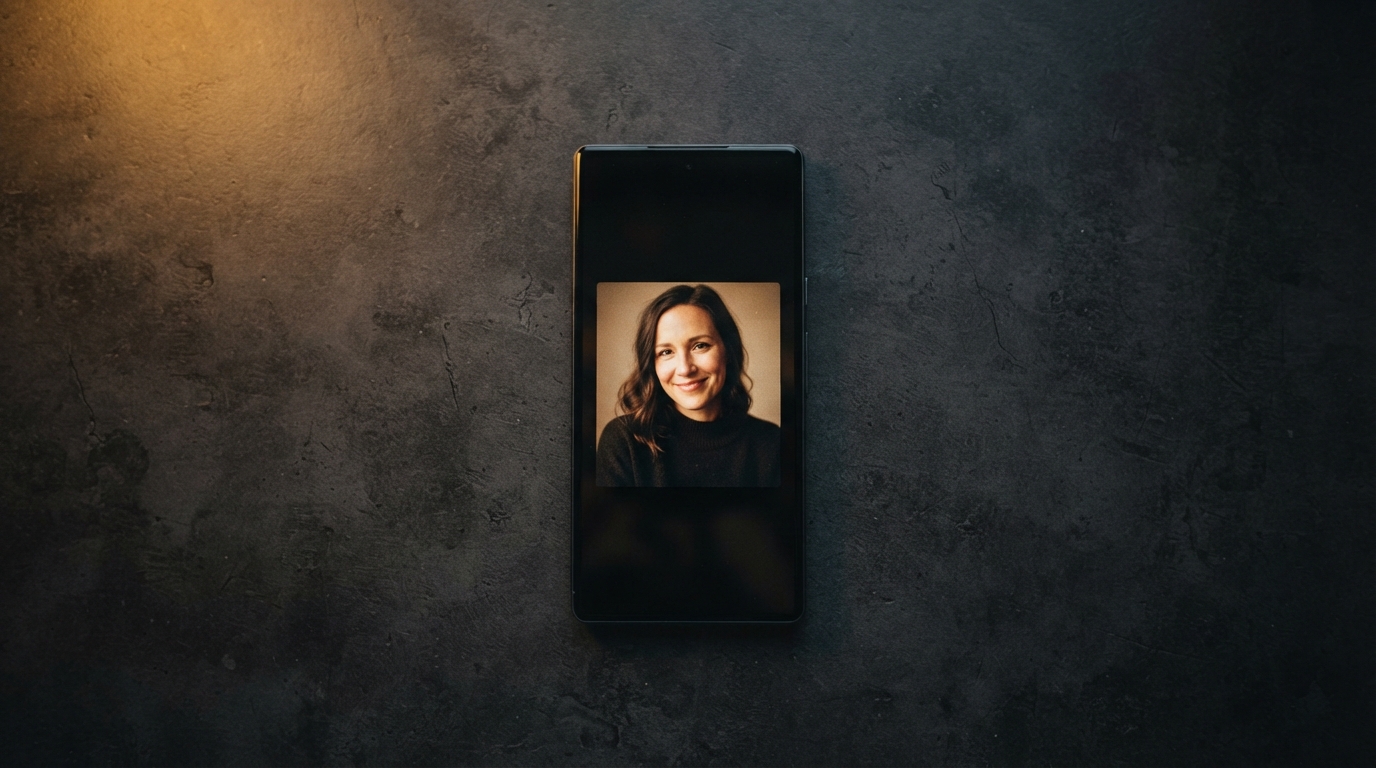
Most people who want to post dance content never post it. Not because they cannot dance — because filming yourself is genuinely uncomfortable. You need decent light, a tripod or a propped-up phone, a room nobody walks through, and the nerve to do the same eight seconds twenty times while your flatmate makes tea behind you.
That barrier is the actual reason FIKKU exists. You bring one photo. The motion comes from somewhere else. There is no take one, and no take twenty.
The short version
- Pick a dance style from the catalog — the style carries the motion, so you do not have to.
- Upload one still photo of yourself.
- Generate, review, and regenerate once if the first pass is not quite right.
- Download and post.
That is the whole loop. The rest of this post is about doing each step well, because the difference between a clip you post and a clip you quietly delete usually comes down to the photo.
Why a still photo works at all
It is worth understanding what is actually happening, because it changes how you choose your photo. The dance style already contains the movement — the timing, the arm paths, the weight shifts. What the model needs from you is identity and structure: what you look like, and roughly how your body is arranged in space.
So the model is not judging whether you look good. It is trying to read you. A photo that is easy to read produces clean motion. A photo that is ambiguous produces the wobbly, melty results that make people distrust AI video.
Choosing a photo that reads clearly
- Front-facing or a three-quarter angle. Hard side profiles give the model almost nothing to work with on the far side of your body.
- Shoulders visible. This anchors the upper body and dramatically improves pose continuity.
- Full head in frame, not cropped at the top.
- One person. Group photos force the model to guess who the subject is.
- Even light. Harsh backlight turns you into a silhouette, and a silhouette has no structure to transfer motion onto.
- Arms not fully crossed or tucked behind your back — the model has to invent whatever it cannot see.
A plain-ish background helps too, and not only for quality. Busy backgrounds compress badly once TikTok and Reels re-encode your upload, so a clean backdrop survives the platform better.
You do not have to use your own face
This is the part people are usually relieved to hear. Plenty of accounts run entirely on dance content without the creator ever appearing. A pet photo works. So does a product shot, an illustrated character, a mascot, or a photo of you where your face is turned away.
If the goal is a posting habit rather than a personal brand, taking your face out of the equation removes the last bit of friction. You can start today instead of starting when you feel camera-ready.
The best content workflow is the one you will actually repeat on a Tuesday when you are tired.
The two-pass habit
Generate once to check the vibe. If the style is wrong, no amount of tweaking the photo will save it — change the style. If the style is right but the result is slightly off, change one thing about the photo and go again. Cleaner light, a straighter angle, shoulders more visible.
Changing two things at once means you learn nothing about which one mattered. One variable per pass.
A note on disclosure
Label it as AI. Both TikTok and Instagram have AI-content disclosure settings, and using them is not a penalty — undisclosed AI content that gets detected later is far worse than content that was honest from the start. Audiences are also far more relaxed about AI than most creators assume, provided nobody feels tricked.
If the thing standing between you and posting is the camera rather than the idea, this workflow removes the camera. Pick a style, upload one photo, and see what comes back.