Professional photos
AI Headshot Generator
Turn one everyday photo into a professional headshot for LinkedIn, your CV or your team page, in under a minute.
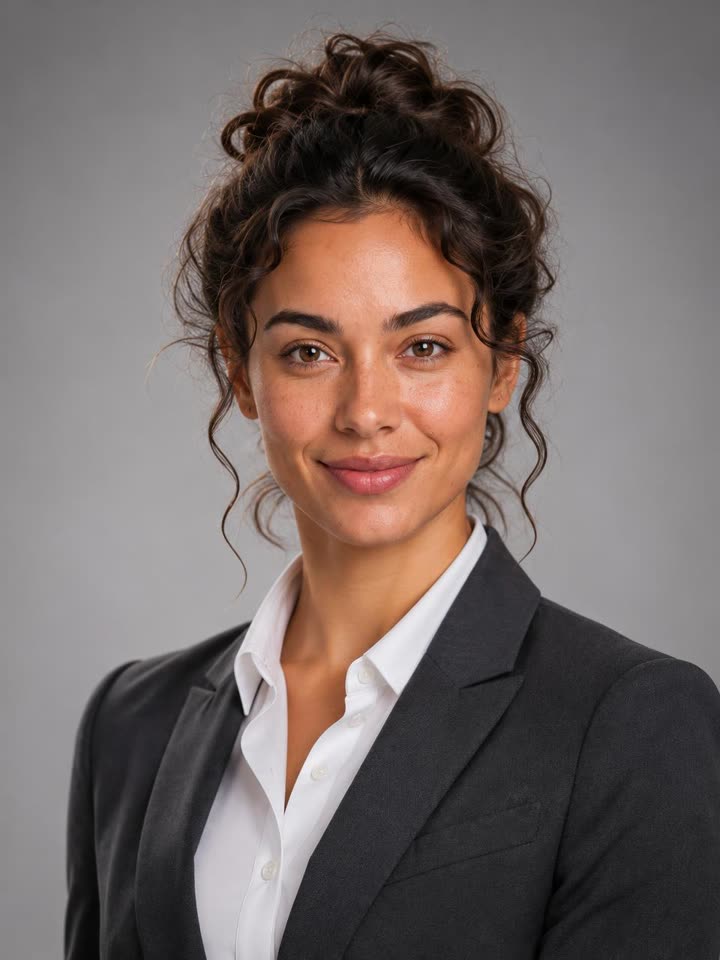
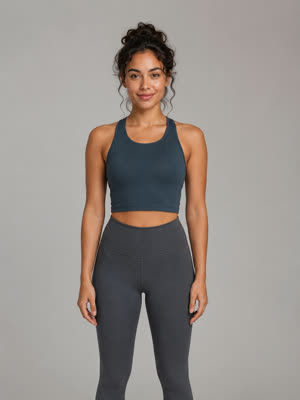
Create yours
1. Upload one photo
2. Pick a style
- A clear, well-lit photo of your face
- Any background, any outfit
- Try every style, each one is 3 credits
Examples
AI headshots made from everyday photos
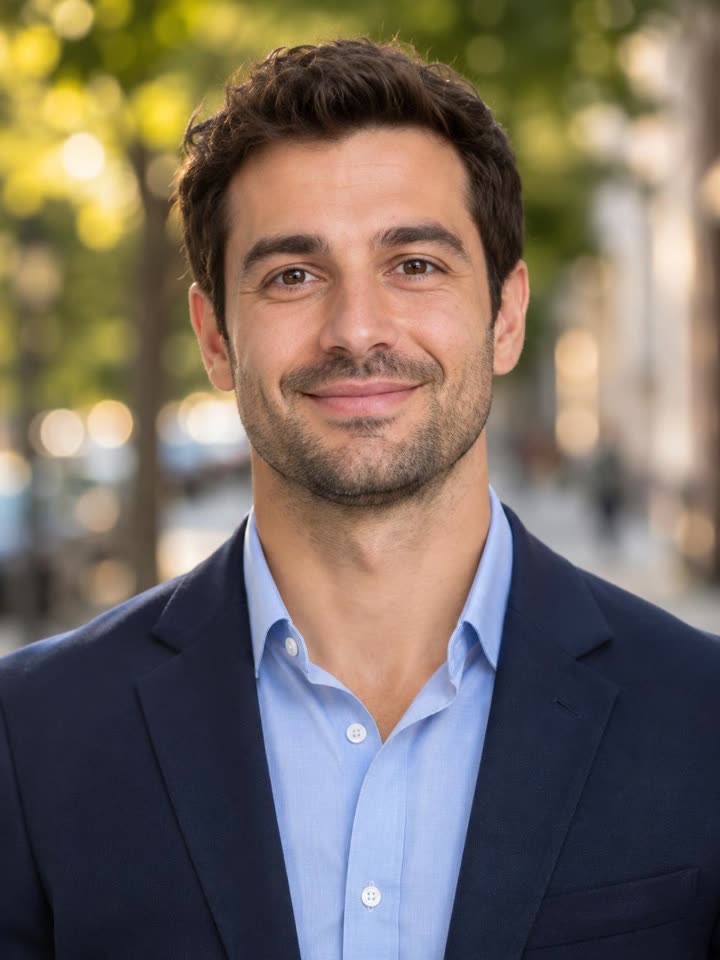
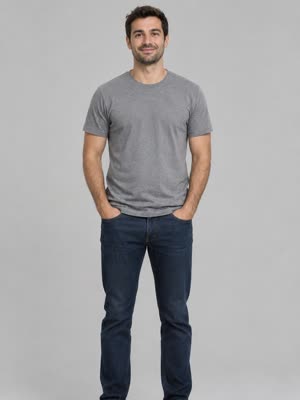
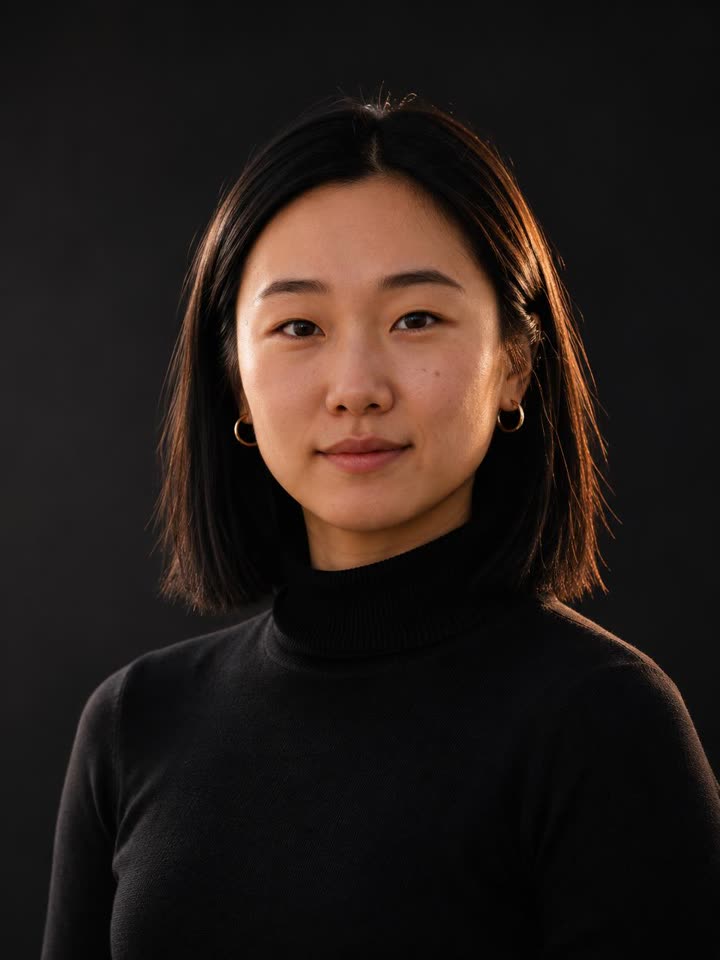
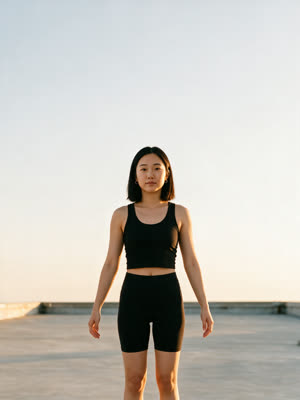
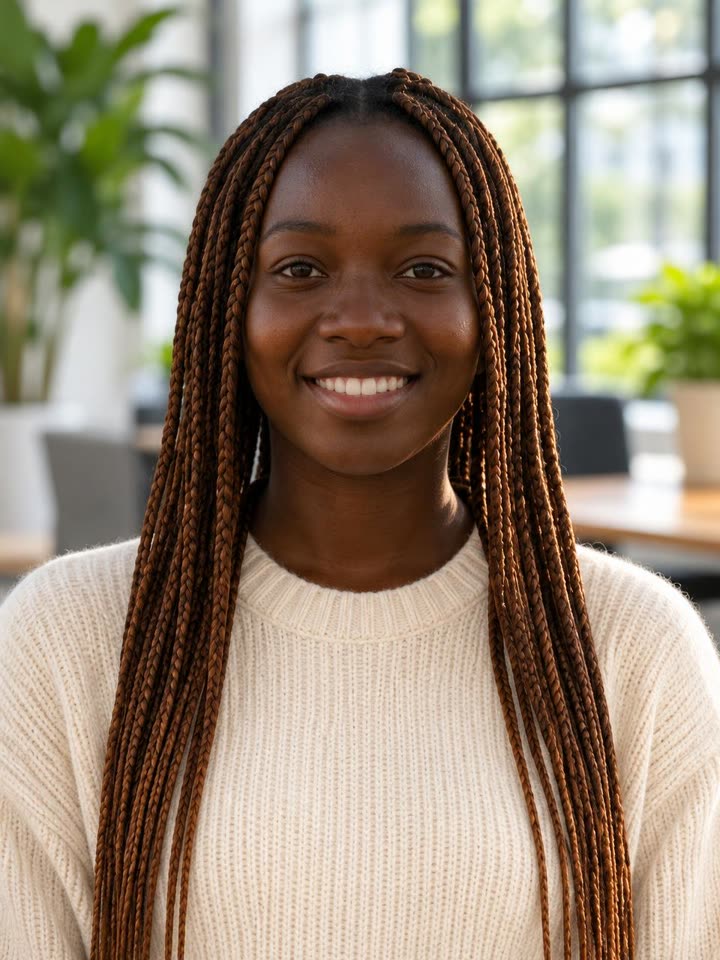
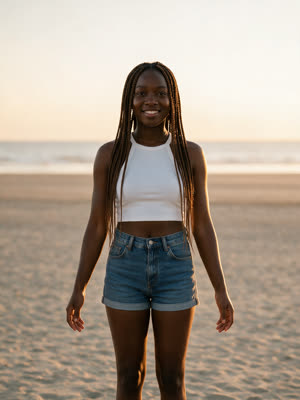
The small picture is the photo each example was made from.
About this effect
A professional headshot without the photoshoot
A good headshot used to mean booking a photographer, picking an outfit and finding a free afternoon. This AI headshot generator does it from one photo you already have: upload a clear picture of your face, choose a style, and get a sharp, well-lit portrait back in under a minute.
Your face, hair, skin tone and age come from your photo and stay yours. The style decides the rest: the outfit, the backdrop and the light. Corporate gives you the classic grey-backdrop blazer look, Outdoor a warm natural-light portrait, Dark Studio an executive black turtleneck, and Modern Office a friendly bright-workspace shot.
How it works: 1. Upload one photo. 2. Pick a style. 3. Download your headshot and use it on LinkedIn, your CV or your team page.
FAQ
Frequently asked questions
How does the AI headshot generator work?
Upload one clear photo of your face and pick a style. The AI keeps your face, hair, skin tone and age, and redraws you as a professional headshot with the outfit, backdrop and lighting of that style. It takes under a minute.
What photo should I upload?
A clear, well-lit photo where your face is easy to see. A selfie is fine. Any background and any outfit work, because both are replaced. Avoid sunglasses, heavy filters and photos where your face is small or turned away.
Will it still look like me?
Yes. The face, eyes, hair, skin tone and facial hair come from your photo and are kept as they are, with no beauty filter that changes who you are. The clearer your photo, the closer the match.
Can I use it for LinkedIn and my CV?
Yes. Every headshot is a 3:4 portrait, sharp on the face, ready for LinkedIn, CVs, company websites, team pages, speaker bios and email signatures.
Which styles are there?
Corporate on a grey backdrop in a blazer, Outdoor in warm daylight on a city street, Dark Studio in a black turtleneck, and Modern Office in a bright workspace. You can try as many as you like with the same photo.
How much does an AI headshot cost?
Each headshot costs 3 credits. Signing up is free, credits come in one-time packs with no subscription, and a failed render is refunded automatically.
Can I make a headshot of someone else?
Only with their permission. Use your own photo, or a photo of a colleague who asked you to make theirs.
Want a festive one too? Try the AI Christmas photo generator, or turn your photo into a video with motion transfer AI.