Video tools
AI Video Upscaler
Upscale low-resolution clips to 1080p, 2K or 4K with sharper detail and the original sound, in about a minute.
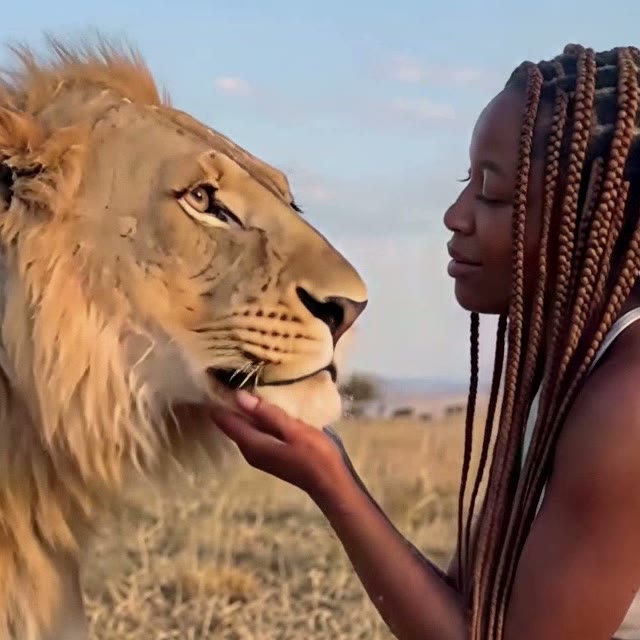
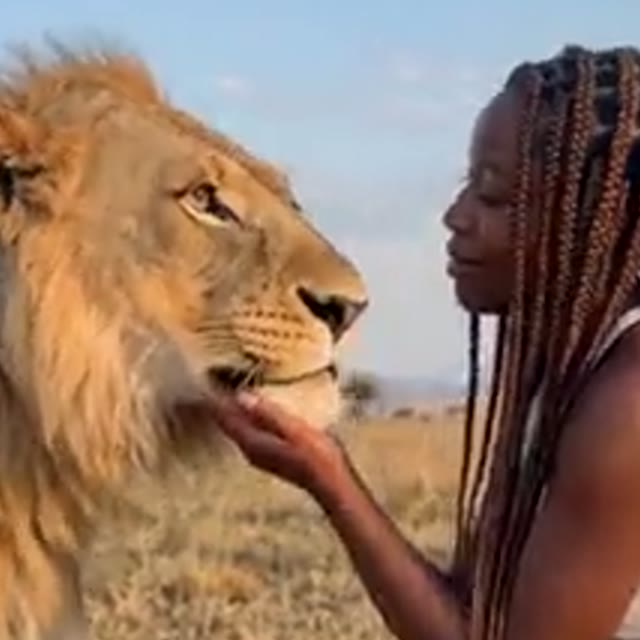
Example, zoomed in. Drag the handle to compare.
Upscale yours
1. Upload a video
2. Choose the resolution
- MP4 under 50 MB
- Up to 40 s at 1080p, 20 s at 2K, 10 s at 4K
- Great for AI videos and old phone clips
Example
360p in, 1080p out
About this effect
Sharper video in about a minute
Low-resolution clips look soft and blocky the moment they hit a phone screen. This AI video upscaler fixes that: upload an MP4, choose 1080p, 2K or 4K, and download a sharper version with the same motion and the same sound about a minute later.
Use it to clean up AI-generated videos before posting, rescue old phone clips, or bring screen recordings and memes up to full HD. Vertical, square and widescreen videos all keep their shape.
FAQ
Frequently asked questions
What does an AI video upscaler do?
It raises the resolution of a video frame by frame and redraws the lost detail, so a soft 360p or 480p clip comes back as sharp 1080p, 2K or 4K. The motion, the timing and the sound stay exactly the same.
How long can my video be?
Up to 40 seconds at 1080p, 20 seconds at 2K and 10 seconds at 4K. A longer clip is upscaled up to that length, so pick a lower resolution to keep a longer video whole.
Which files work?
MP4 videos under 50 MB. Videos saved from TikTok, Instagram and most AI video tools are already MP4. MOV files from the iPhone camera are not supported yet.
Is the sound kept?
Yes. The original audio is carried over untouched, and the aspect ratio stays the same, so vertical videos stay vertical.
Can I upscale AI-generated videos?
Yes, that is one of the best uses. Many AI video tools render at 480p or 720p; upscaling to 1080p or 4K makes them look clean on TikTok, Reels, YouTube and big screens.
How much does it cost?
Each video costs 5 credits at any resolution. Signing up is free, credits come in one-time packs with no subscription, and a failed upscale is refunded automatically.
Upscaling a photo instead? Use the AI image upscaler. Want to put yourself in a video? Try motion transfer AI.