Holiday photos
AI Christmas Photo Generator
Turn one photo into a cozy Christmas portrait: by the tree, in the snow, at a Christmas market or in a festive red studio.

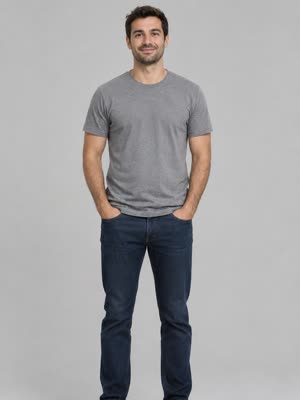
Create yours
1. Upload one photo
2. Pick a style
- A clear, well-lit photo of your face
- Any background, any outfit
- Try every scene, each one is 3 credits
Examples
AI Christmas photos made from everyday photos
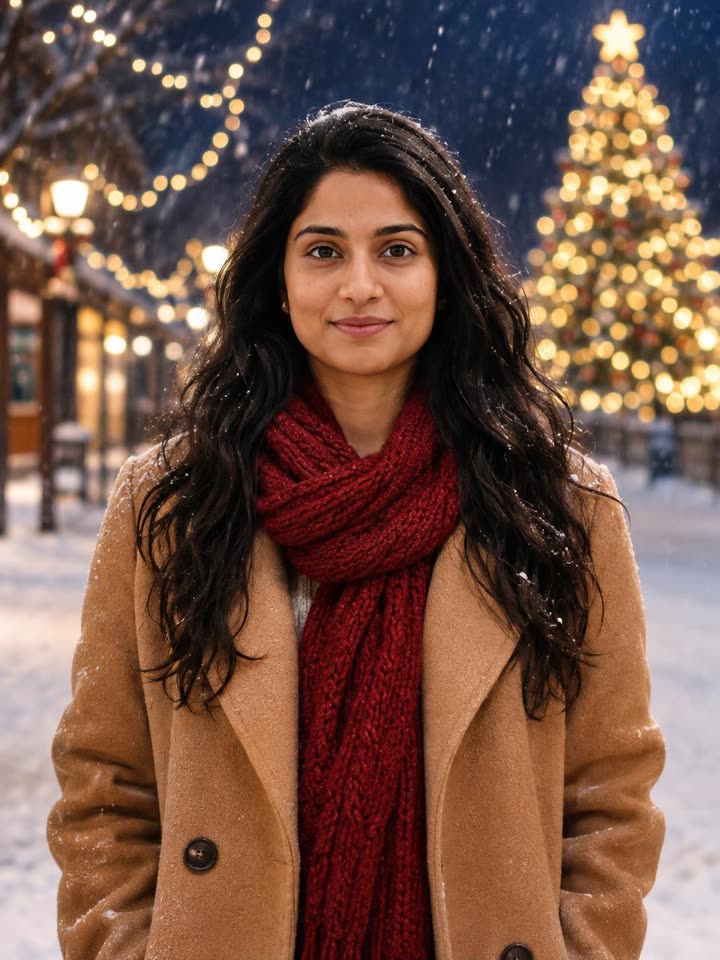
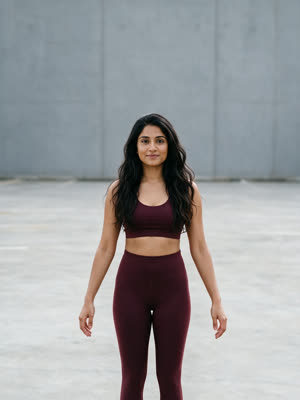
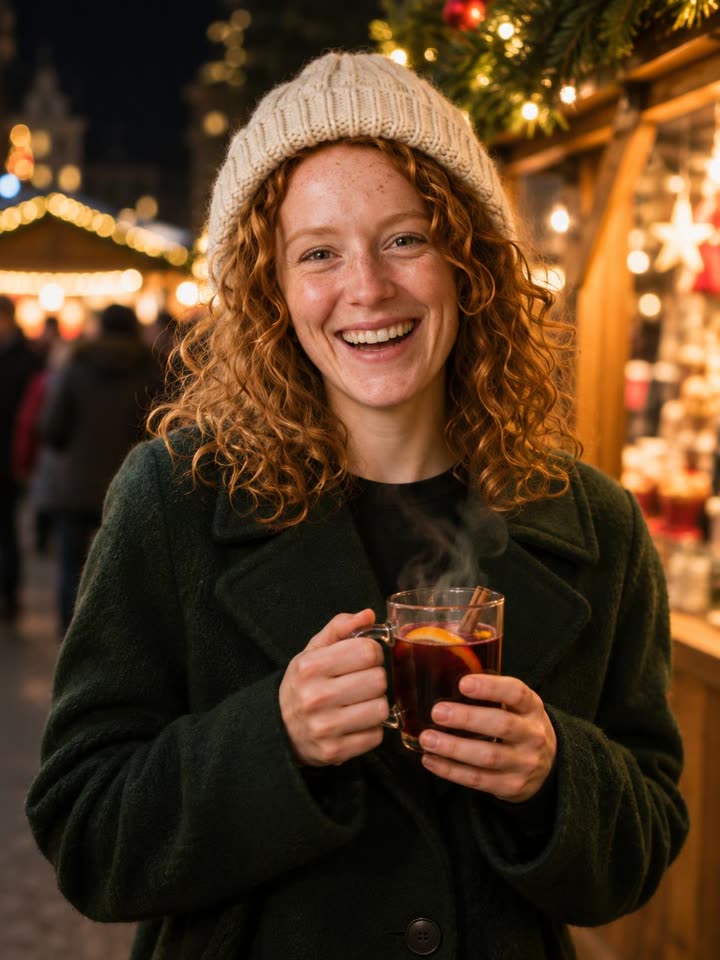
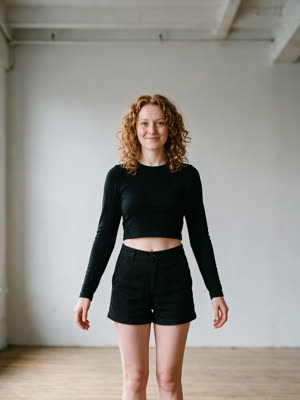
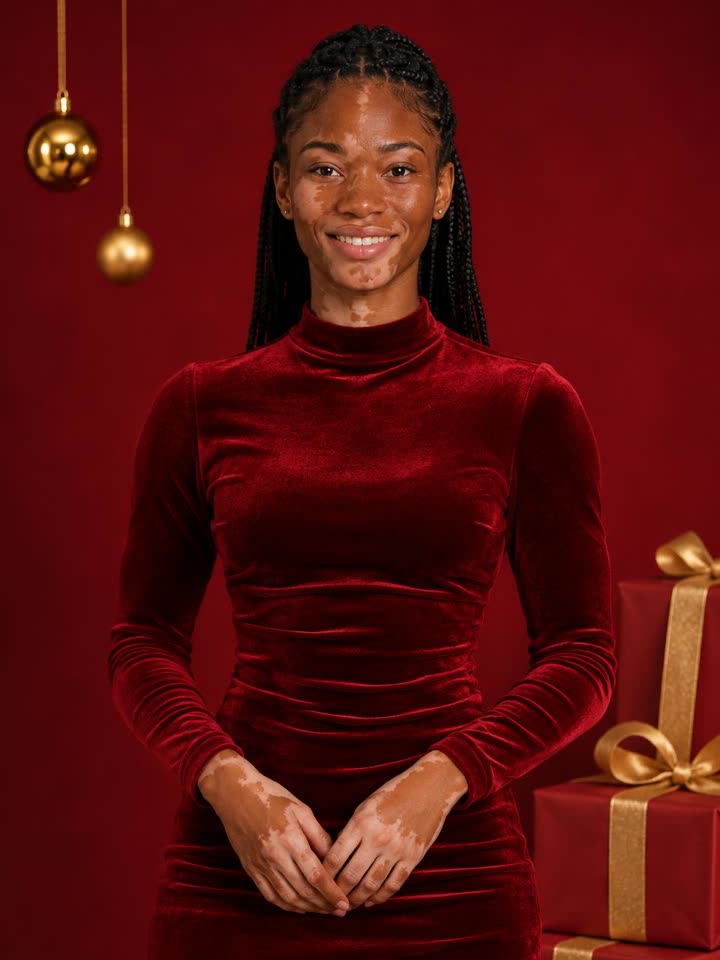
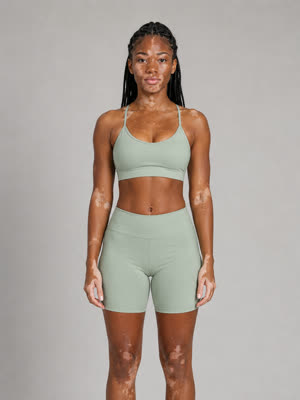
The small picture is the photo each example was made from.
About this effect
A Christmas photoshoot from one selfie
Nobody wants to set up a tree, find a matching sweater and wait for good light just for one festive picture. This AI Christmas photo generator does it from a photo you already have: upload a clear picture of your face, pick a scene, and get a cozy holiday portrait back in under a minute.
Your face, hair and skin tone come from your photo. The scene decides everything else: a reindeer sweater and hot cocoa by the tree, a wool coat and scarf in the falling snow, a beanie and a warm drink at a Christmas market, or red velvet in a festive studio.
How it works: 1. Upload one photo. 2. Pick a Christmas scene. 3. Download it for your card, profile picture or holiday post.
FAQ
Frequently asked questions
How do I make an AI Christmas photo?
Upload one clear photo of your face and pick a scene. The AI keeps your face, hair and skin tone and puts you in a Christmas setting with a festive outfit and matching light. It takes under a minute.
Which Christmas scenes are there?
By the Tree, on a sofa with hot cocoa next to the tree and fireplace. Snowy Night, outside in the snow under string lights. Christmas Market, with a warm drink between the stalls. Red Studio, a festive portrait in red velvet with gold ornaments and gifts.
Do I need a Christmas outfit in my photo?
No. Any photo works. The outfit, the scene and the light all come from the style you pick, and your face comes from your photo.
Can I use it for Christmas cards?
Yes. Every photo is a sharp 3:4 portrait you can download and use for Christmas cards, profile pictures, stories and holiday posts.
Will it still look like me?
Yes. The face, eyes, hair, skin tone and facial hair are kept from your photo, with no filter that changes who you are. The clearer the photo, the closer the match.
How much does it cost?
Each Christmas photo costs 3 credits. Signing up is free, credits come in one-time packs with no subscription, and a failed render is refunded automatically.
Can I make one for someone else?
Only with their permission. Use your own photo, or a photo of a friend or family member who is happy to be in it.
Need a work photo too? Try the AI headshot generator. Want to move? See the TikTok trends of November 2026.