Virtual Try-On AI: See Clothes on Yourself Before You Buy
Upload a photo of yourself and a photo of a garment, and see the two combined. How AI virtual try-on works, the prompts that get clean results, and what it still gets wrong.
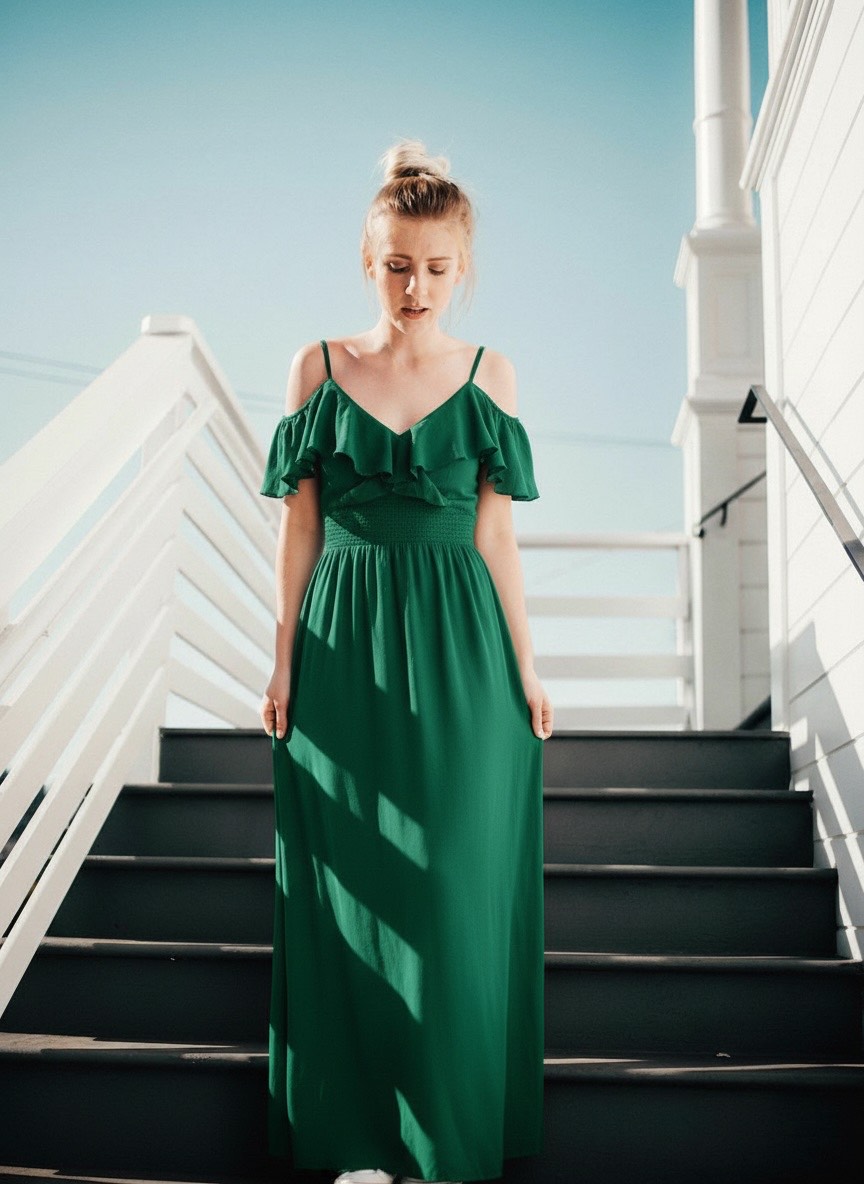
Roughly a quarter of all clothing bought online gets sent back, and the reason is almost always the same: it did not look the way it looked on the model. Virtual try-on closes some of that gap by putting the garment on a photo of you instead.
It takes two inputs — a photo of a person, and a photo of the item — and composites them into a single result:
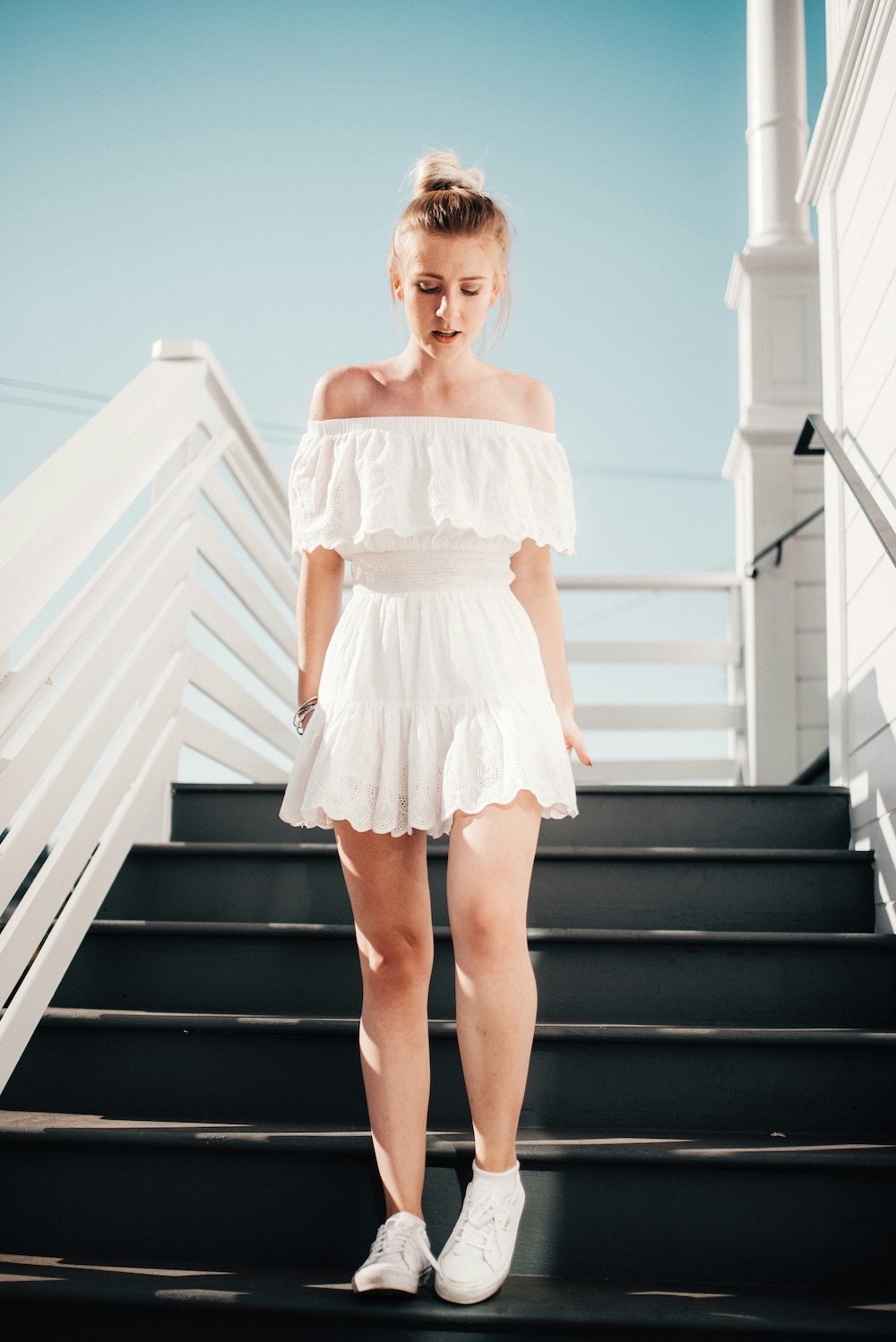 Your photoResult
How it actually works
The model is doing two jobs at once. It reads your body — pose, proportions, where the shoulders and waist sit — and separately reads the garment: its cut, colour, fabric weight, and how it hangs. Then it renders the second onto the first.
That division explains every failure you will see. If your pose is ambiguous, the fit is wrong. If the garment photo is unclear, the texture and details are wrong.
The photo of you
- Stand straight, facing the camera. Three-quarter angles work, hard side profiles do not.
- Arms away from your body. Arms crossed over your torso hide the exact area the garment needs to occupy.
- Fitted clothes in the source photo. A baggy hoodie obscures your actual shape, so the model guesses at it.
- Full body, or at least to mid-thigh for dresses and full outfits.
- Plain background. Same reason as always — less ambiguity, cleaner edges.
The photo of the garment
- Flat-lay or a clean product shot beats a photo of someone else wearing it, which forces the model to strip the garment off another body first.
- Front-on, fully visible, not folded or partially cropped.
- True colour. Whatever tint the lighting adds, the model will treat as the real colour.
- One garment per generation. Do a top and trousers as two passes.
The prompts
Upload both images as references, then describe the composition. Naming the garment type explicitly helps the model work out which reference is which.
Place the dress from the second reference image onto the person in the first reference image. Keep the person's face, body proportions, pose, and background exactly as in the first image. Match the garment's colour, pattern, and fabric drape precisely to the second image. Natural lighting consistent with the original photo, realistic fabric folds at the waist and shoulders.Dress the person from the first reference image in the outfit shown in the second reference image. Preserve the face, hair, skin tone, pose, and background from the first image without alteration. Render the garment with accurate proportions, natural shadows where fabric meets the body, and correct sleeve and hem length.Show the garment from the second reference image worn by the person in the first reference image, styled as a clean e-commerce product photo. Plain light grey studio background, even soft lighting, full-length framing, garment shown clearly with accurate colour and texture. Keep the person's appearance unchanged.The recurring instruction — keep the person unchanged — is what stops the model from quietly slimming, lengthening, or otherwise "improving" the body underneath. For a purchase decision, that alteration destroys the entire point.
What it gets wrong
Treat the output as a styling preview, not a fit prediction. Specifically:
- Sizing tells you nothing. The render shows the garment fitting you, because that is what it was asked to do. It cannot tell you whether a medium will be tight.
- Text and logos scramble. Printed slogans and brand marks come out as approximate lettering.
- Complex patterns drift. Stripes misalign at seams; small repeating prints get reinterpreted.
- Fabric behaviour is generic. Heavy wool and light silk often drape more similarly than they should.
- Fine hardware is approximate. Buttons, zips, and buckles are suggestions rather than reproductions.
Virtual try-on answers "does this suit me?" — not "will this fit me?"
Who this is genuinely useful for
Shoppers deciding between two colourways get a real answer in seconds. Small sellers get on-model product shots without booking a model or a studio — which is the higher-value use, and the one worth building a workflow around. Stylists can test combinations before pulling anything.
If you are running a store, generate on three different body types rather than one. It sets accurate expectations and tends to reduce returns more than a single idealised render does.
You can try it in the AI image generator — one photo of you, one of the garment.